Introduction — From photo to painting
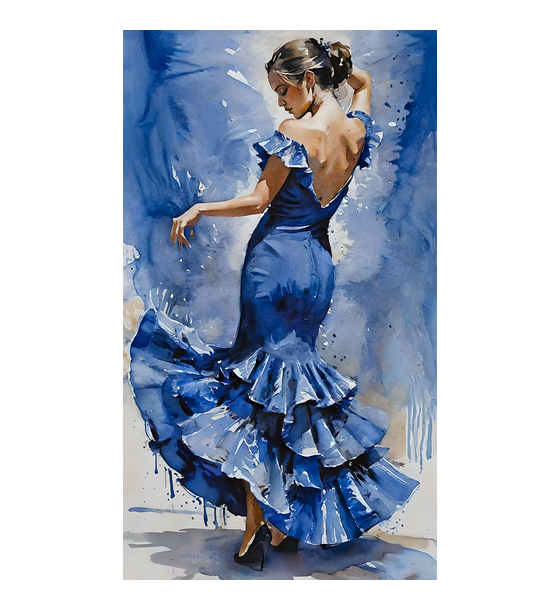
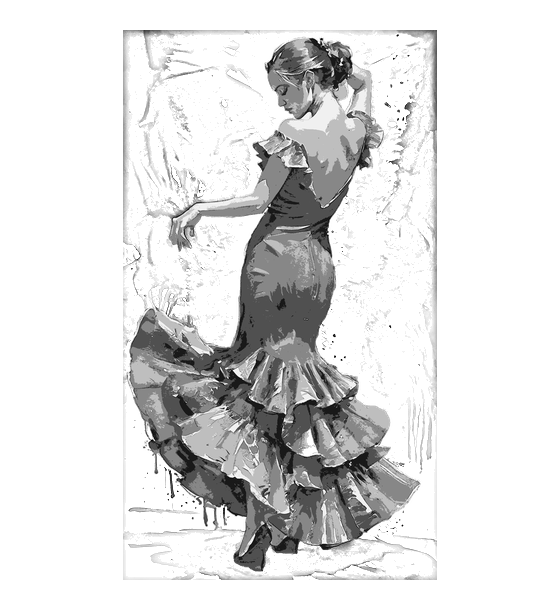
The goal of this tutorial is to help you turn the original photo into a structured painting plan. On the left, you have the original photo, and on the right, the simplified version in X colors.
The process is broken down into 4 steps:
- Step 1 — Sketching: clean outline of your subject.
- Step 2 — Mixing Colors: recipe for each of the X colors based on 9 pigments.
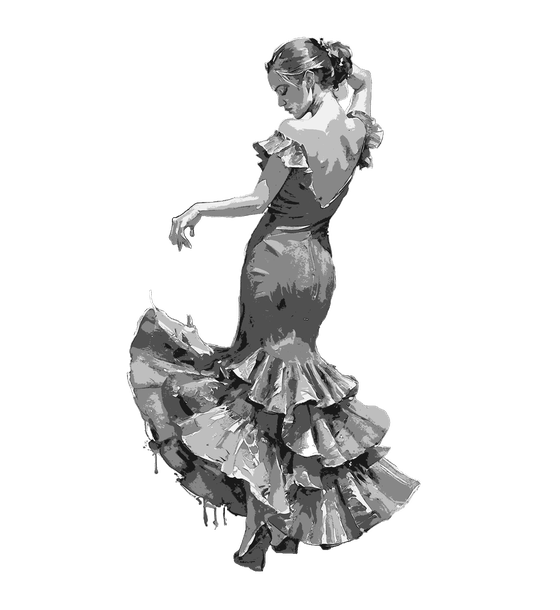
- Step 3 (optional) — Grisaille: paint volumes in 5 monochrome tones.
- Step 4 — Colors: apply each color layer with clear shapes.
Original Photo
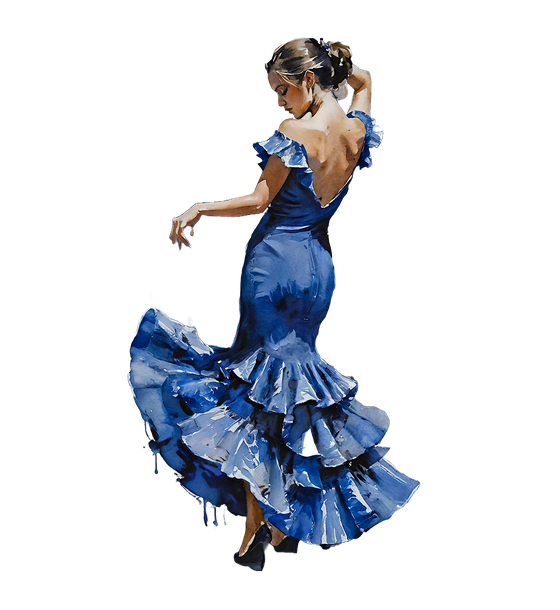
Photo in N colors
How it works
The goal of this tutorial is to help you turn the original photo into a structured painting plan. On the left, you have the original photo, and on the right, the simplified version in X colors.
The process is broken down into 4 steps:
- Step 1 — Sketching: clean outline of your subject.
- Step 2 — Mixing Colors: recipe for each of the X colors based on 9 pigments.
- Step 3 (optional) — Grisaille: paint volumes in 5 monochrome tones.
- Step 4 — Colors: apply each color layer with clear shapes.